Baby Monitors: Audio, Video, or Smart — How to Choose
Our first baby monitor was a hand-me-down audio model with a crackly speaker, and honestly, it worked. I could hear our daughter fuss from the porch of our Rochester house, and that was all I truly needed. By baby number three, a friend lent us a video monitor, and I discovered the specific joy of watching a sleeping toddler instead of tiptoeing in and waking him with a creaky door. Both experiences taught me the same lesson: the best monitor is the one that matches your house, your baby, and your own anxiety level, not the one with the longest list of features.
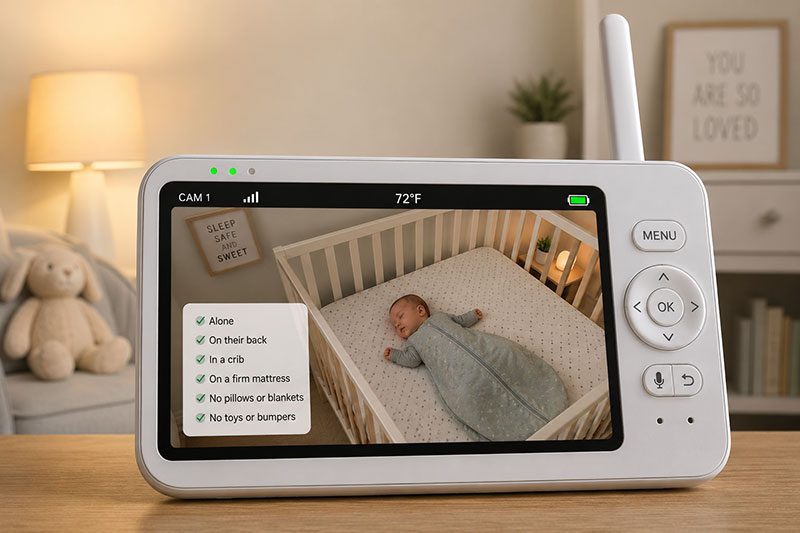
Monitors are not safety devices, and no monitor replaces safe sleep practices or checking on your baby. What a good monitor does is buy you freedom to cook dinner, sit on the deck, or fold laundry in the basement while staying connected. Here is how to sort the real needs from the marketing noise before you spend anything.
Start With Your House, Not the Product Page
A small apartment where the nursery is ten steps away may need no monitor at all, or a simple audio unit for closed-door naps. A two-story farmhouse with thick walls, a basement laundry room, and a big yard is a different story. Walk your actual routes: kitchen to nursery, garage to bedroom, porch to crib. Note thick plaster, brick, and metal ductwork, because they shorten real-world range far below the number printed on the box, which is usually measured in an open field.
Also think about who listens. If grandparents babysit often, a dedicated parent unit with one big button beats an app they must log into. If both parents want to check in from work travel, an app-based camera may earn its place. And if your baby will nap at daycare or a sitter's house, portability suddenly matters more than picture quality.
Audio Monitors: Simple, Cheap, and Often Enough
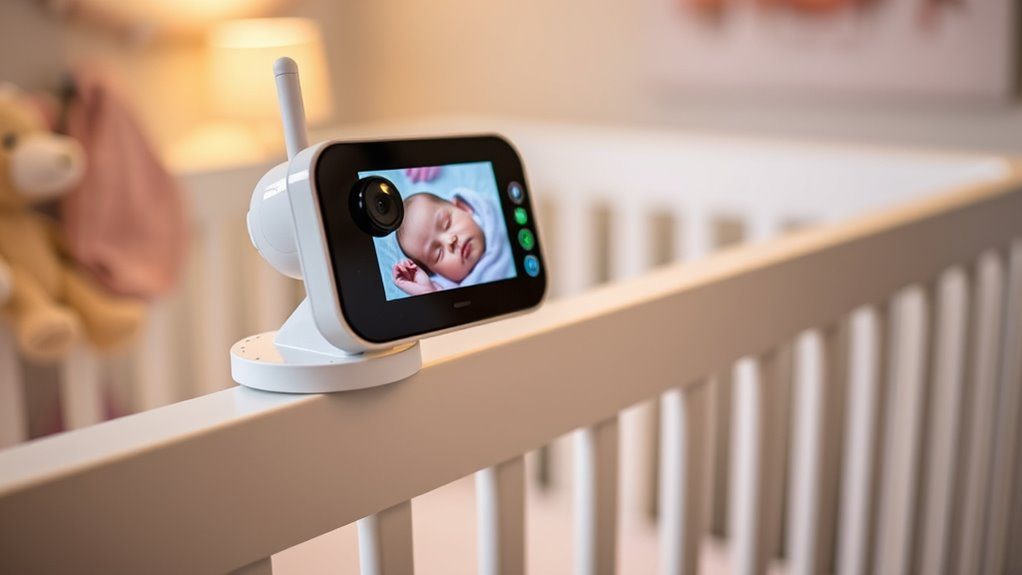
An audio monitor does one job: it lets you hear your baby. For many families, especially in smaller homes, that job is genuinely sufficient. You will learn your baby's sounds quickly, the hungry cry, the half-asleep grumble that resolves itself, and the real wake-up call. Audio units are inexpensive, sip battery power for many hours, set up in two minutes, and carry no internet privacy concerns at all.
Look for clear sound with low static, a rechargeable parent unit, an out-of-range alert, and, if your home is noisy, a visual sound indicator with lights. Two-way talk is a nice extra for soothing an older baby with your voice. If your baby is healthy, your home is compact, and you are comfortable without a picture, audio alone is a calm, budget-friendly answer, not a compromise.
Video and Smart Monitors: What Is Worth Paying For
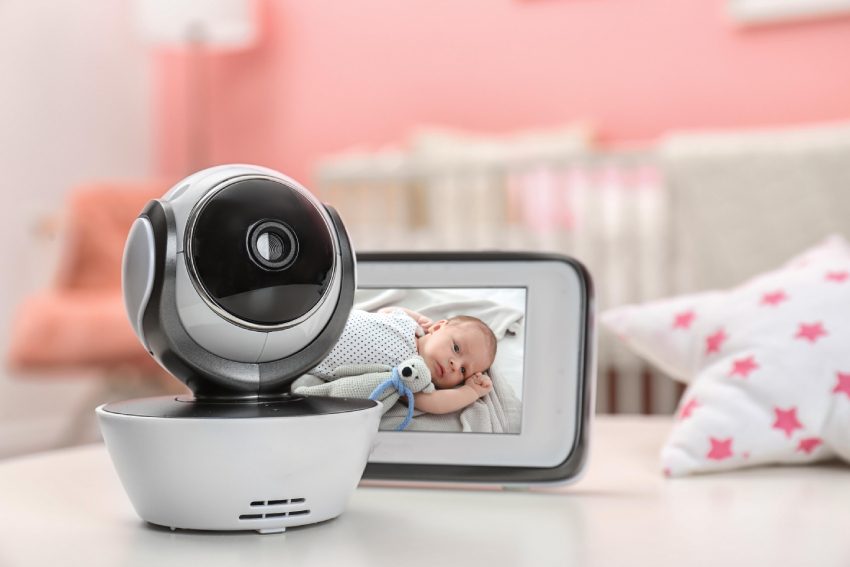
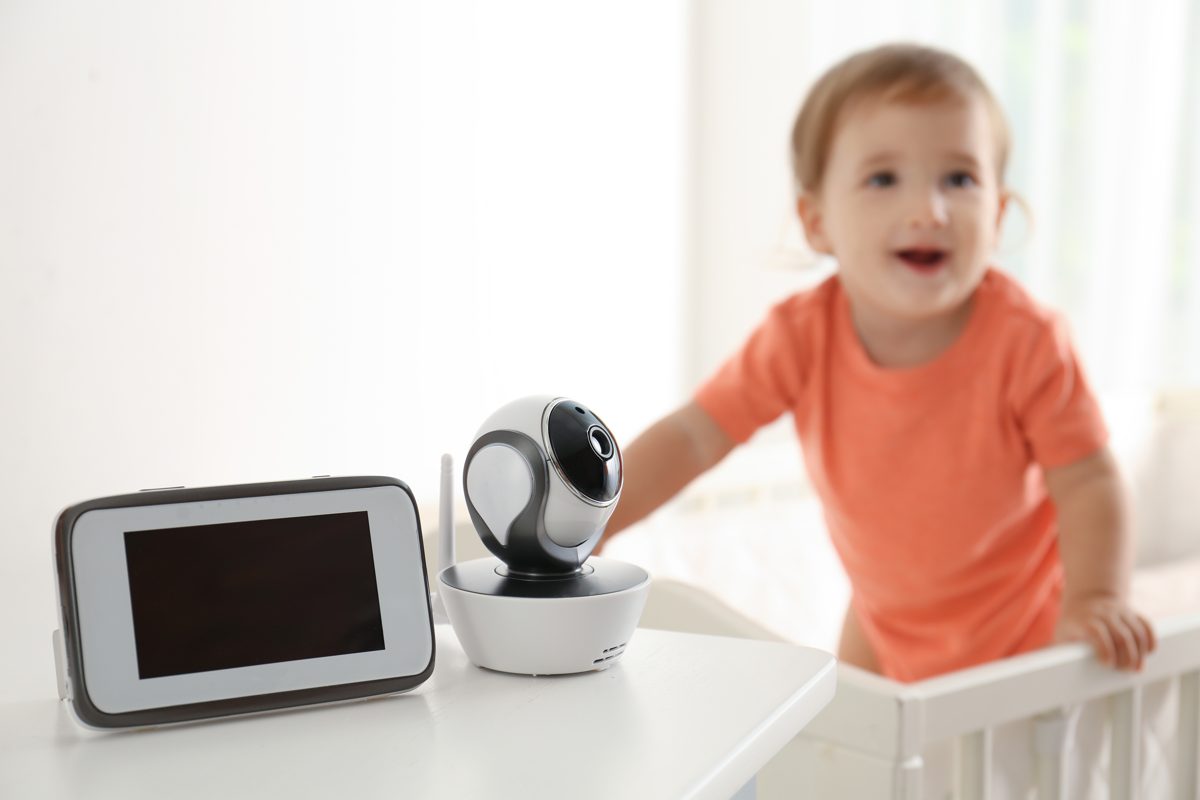
A video monitor adds eyes, and for many of us that picture is worth real money the first time we confirm, from downstairs, that the cry was a sleepy whimper and the baby is already settling. Dedicated video monitors use a closed radio connection to their own screen, while smart monitors stream through Wi-Fi to your phone. Either way, prioritize these basics first:
- Reliable range and battery: aim for a parent unit that lasts a full evening unplugged, ideally eight hours or more, with a low-battery warning you cannot miss.
- Usable night vision: a clear black-and-white picture at crib distance matters more than daytime color or ultra-high resolution.
- Remote pan and tilt: genuinely useful once a mobile toddler migrates to the far corner of the crib.
- Room temperature display: a simple, practical check that the nursery is not overheating on a July night.
Then treat the extras skeptically. Sleep tracking summaries, breathing-motion alerts, and lullaby libraries can be comforting, but they can also generate false alarms at 2 a.m. and monthly subscription fees that outlive the nursery. Medical-style claims deserve extra caution: consumer monitors are not medical devices, and pediatric guidance does not recommend them to prevent SIDS. Buy the picture and the reliability; let the gimmicks justify themselves, and check what still works if you cancel the subscription.
Wi-Fi Privacy and Practical Security
A Wi-Fi camera joins your home network, so give it the same care as any connected device. The steps are simple and worth the ten minutes they take:
- Change default passwords and use a strong, unique password plus two-factor authentication on the app account.
- Keep firmware and the app updated, since updates patch known security problems.
- Use your secured home network, not an open or guest network, and keep your router's software current too.
- Limit sharing: grant viewing access only to caregivers who need it, and remove access when arrangements change.
- Position thoughtfully: aim the camera at the crib, mount it and its cord well out of reach, at least three feet from the sleep space, and unplug or cover it if that suits your family later.
If the idea of a cloud camera simply bothers you, a closed-system video monitor gives you the picture with no internet connection at all. Peace of mind includes yours.
Frequently Asked Questions
Do I really need a monitor for a newborn?
Not necessarily. If your baby sleeps in your room, as recommended for the first six months, and your home is small, you may need nothing at first. Many families buy a monitor later, when naps move to a nursery or evenings on another floor become normal.
Which is better, a dedicated video monitor or a Wi-Fi smart camera?
Dedicated systems are simpler, work when the internet is down, and avoid cloud privacy questions, but you view them only on their own screen at home. Wi-Fi cameras let you check in from anywhere by phone, in exchange for setup, subscriptions, and security steps. Your lifestyle decides.
Can a smart monitor prevent SIDS?
No. Consumer monitors, including those that track movement or oxygen, are not proven to prevent SIDS and are not recommended for that purpose. Safe sleep practices, back sleeping on a firm, bare surface, remain the proven protection. Talk with your pediatrician about any specific concerns.