Family Photo Organization: From Phone Chaos to Yearly Albums
Open your phone's photo library and scroll. Somewhere in those thousands of images are first steps, lost teeth, birthday candles, and about four hundred nearly identical photos of a sleeping baby. If the thought of losing them makes your stomach drop, or if you can never find the one picture you are looking for, you do not have a photography problem. You have a system problem, and it is very fixable.
The mistake most of us make is treating photo organization as a massive weekend project that requires finishing before it counts. It does not. The system below works in small monthly habits, and it works even if your backlog is years deep, because you set up the flow for new photos first and chip away at the past only if and when you feel like it. The goal is simple: every year, your family's best photos end up in one album you can actually hold, share, and find again.
Step One: One River, Not Five Ponds
Family photos scatter across phones, a partner's phone, a tablet, a camera card, and screenshots of things that were never really photos at all. Before organizing anything, decide where the river flows: one main library that everything eventually lands in. For most families that is one cloud photo library on one account, with both parents' phones set to upload to it, or one folder system on a computer that everything gets imported into monthly.
The platform matters far less than the rule: every photo worth keeping ends up in the one place. Set both phones to back up automatically over Wi-Fi, because a system that depends on remembering to plug in a cable is a system that fails by March. Then, once a month, dump camera cards and stray downloads into the same library. One river. Everything else is just tributaries.
Step Two: The Monthly Fifteen-Minute Favorite Habit
This tiny habit is the engine of the whole system. Once a month, coffee in hand, scroll through that month's photos and tap the favorite or heart on the genuinely good ones. Not the acceptable ones, the good ones: real smiles, real moments, the photos you would actually print.
- Delete as you go. Screenshots of recipes you will never cook, seventeen burst shots of the same pose, blurry accidents: gone. Deleting is organizing.
- Favorite generously but honestly. Aim for roughly the best ten to twenty percent of a normal month. A vacation month can run higher.
- Fix the dates and faces. Most libraries let you tag people and correct a wrong date in seconds. Doing it monthly keeps it painless.
- Note the stories. If a photo needs a sentence of context to make sense in ten years, add it to the caption now, while you still remember why everyone is laughing.
Fifteen minutes a month. That is the entire ongoing cost of a family archive that stays findable forever. Skipping three months just means a slightly longer catch-up session, not a ruined system.
Step Three: Back It Up Like You Mean It
One copy of your photos is not a backup, it is a hope. The classic approach is simple enough for any family to run: keep your photos in at least three places, in two different forms, with one copy outside your house.
- Copy one: your main cloud library, uploading automatically
- Copy two: an external hard drive at home, updated every month or two when you do your favorites pass
- Copy three: a second cloud service, or a drive stored at a relative's house or in a safe deposit box
Test your backup once a year by actually opening a few old photos from it. Backups fail silently more often than anyone admits, and the family archive is the one folder on your computer that cannot be re-downloaded or replaced.
Step Four: The Yearly Album, Built Almost Automatically
Here is where the monthly habit pays off beautifully. Because you favorited as you went, your year-in-review is already selected. Building the annual album becomes an afternoon project instead of an archaeological dig.
- Pull the year's favorites into one album or folder. For most families this lands between 150 and 400 photos, which is a perfect book size.
- Skim for gaps. Check that each season, each child, and each grandparent appears. Fill gaps with a few strong non-favorites if a big moment is missing.
- Sort by month and let the book follow the year. Chronological order tells the story by itself: snow boots to sprinklers to pumpkins to Christmas lights.
- Add light captions. Names, places, and one-line stories. Future readers, including your grown kids, will not know what you know.
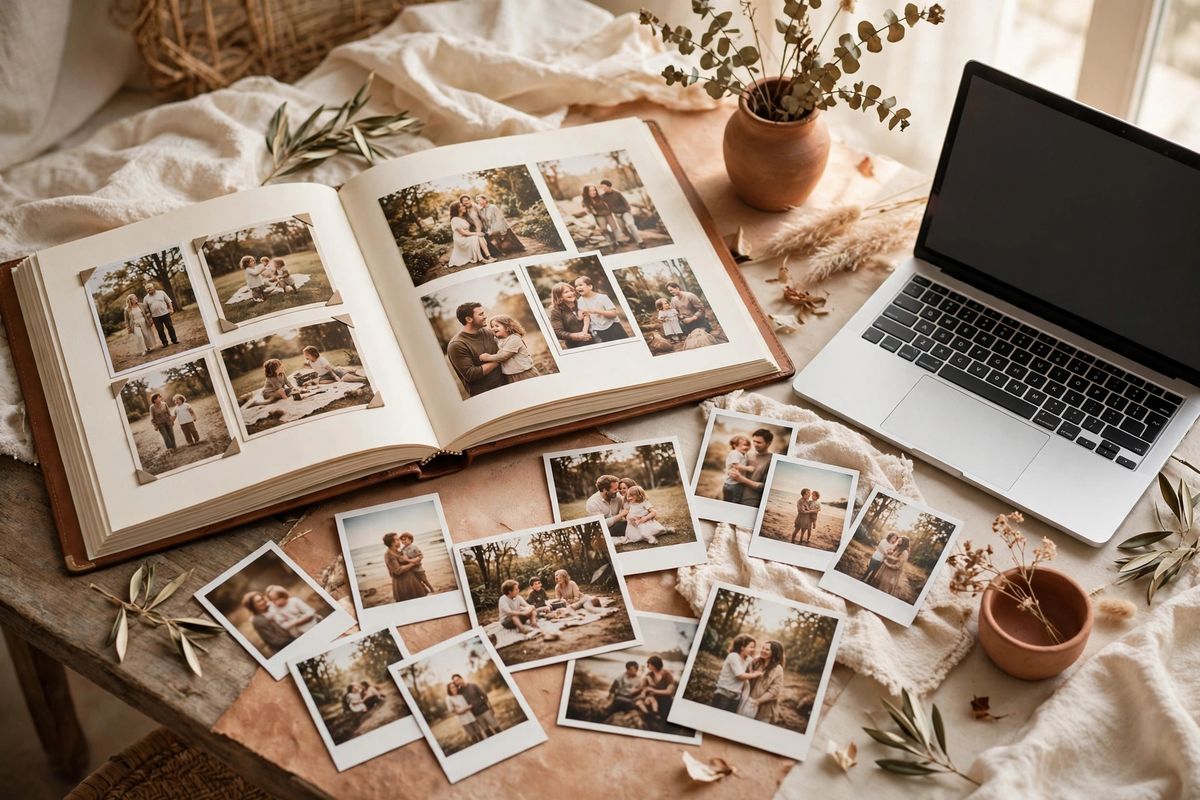
- Order two copies. One for your shelf, one for grandparents or as the backup that lives outside your house. Printing the same book twice costs little and spreads the archive around.
Families who do this every January end up with a shelf of matching yearbooks that kids genuinely flip through, which is more than can be said for a hard drive with 40,000 unsorted images on it.
What About the Backlog?
If you are starting with years of chaos, resist the urge to fix the past first. Set up the river, the favorites habit, and the backup today, and let the system run forward from this month. Then, if you want, work backwards one month at a time during odd quiet moments, or simply declare a fresh start and let the old library sit as a searchable attic. Many families find that a clean system going forward delivers ninety percent of the relief, and the backlog shrinks from a source of guilt to an optional rainy-day project.
Nobody's grandchildren will scroll a camera roll. They will flip through the albums somebody bothered to make. Fifteen minutes a month is all it takes to be that somebody.
Frequently Asked Questions
How many photos should I keep?
Keep the ones that tell the story. As a rough rhythm, most families land on a few hundred favorites per year from thousands taken, and that ratio is healthy, not wasteful. Burst mode and pocket photos inflate the count. If a photo would not make you smile or teach you something in ten years, it is safe to let it go.
Should I organize by folders or rely on my photo app?
Either can work, and the best choice is the one that lives where your photos already are. If your library is in a photo app, use its favorites, albums, and search rather than fighting it with folders. If your photos live on a computer, a simple Year, then Month folder structure is all you need. The habit matters more than the tool.
What should I do with printed photos and old albums?
Keep it low-pressure. Store prints in one labeled box per era, out of attics and damp basements if you can. When time allows, scan the highlights, a flatbed scanner or a phone scanning app both work, and add the scans to your main library with approximate dates. You do not need to scan everything; the best fifty photos per decade carry most of the story.